Business admin automation
Finding leads, answering client emails and getting ready for meetings took hours every week. As of October 2026, 37 automations do that groundwork. I ask one assistant called Grokbot for what I need, and a person approves a reply, a report or a post before it goes out.
- 37automations switched on, as of October 2026
- About 50first-contact emails on a weekday
- 2:43pmclient reply drafts, written once a day
- 37 automations run the routine side of this business, as of October 2026.
- I direct them by messaging one assistant, Grokbot, which hands each job to the right specialist.
- Each one writes down what it did. A clean run stays quiet, and an email arrives when something needs me.
- A reply, a report or a post waits for a person to say yes before it goes out.
What was going wrong
Running a business means a lot of small jobs: looking for new work, replying to emails, preparing for calls, chasing quotes and keeping records straight. Each one is quick, but together they ate the time meant for client work.
Why it mattered
When the groundwork slips, leads go cold, replies arrive late and meetings start without the full picture. A one-person business cannot hire someone to keep on top of it.
How I ask for things
I do not open a different tool for each job. I message one assistant, Grokbot, which works like a chief of staff. It decides who should do the work and hands it to the specialist for that job, such as sales, care, content or the books. I can add a specialist when a new kind of work needs one.
- Me
- Grokbot
- SalesCareContentThe books
What it changed
- SalesAbout 50 first-contact emails go out on a weekday, quiet threads are chased on Monday, and marketplace listings are scanned for work.
- MailNew mail is filed or drafted as it arrives, and client reply drafts are written once a day at 2:43pm.
- Meetings and briefsEach morning there is a short brief for that day's meetings, plus briefs on tasks, money and operations.
- CareCare requests become a task and a draft, and a care report is prepared on the first of the month.
- Quiet daysIf nothing needs me, it stays quiet.
Built with
How it works
37 automations do the routine work of running this business, as of October 2026. They file new mail, draft replies, send the agreed sales emails, prepare meetings and keep the records straight. A reply, a report or a post waits for a person to say yes before it goes out. A clean run stays quiet, and an email arrives when something needs me.
Goes out on its own
- Routine sales emails, such as a first hello or an agreed follow-up
- I get a note when they go
Waits for a person to say yes
- A reply to a client
- A care report
- A public post
The main screens
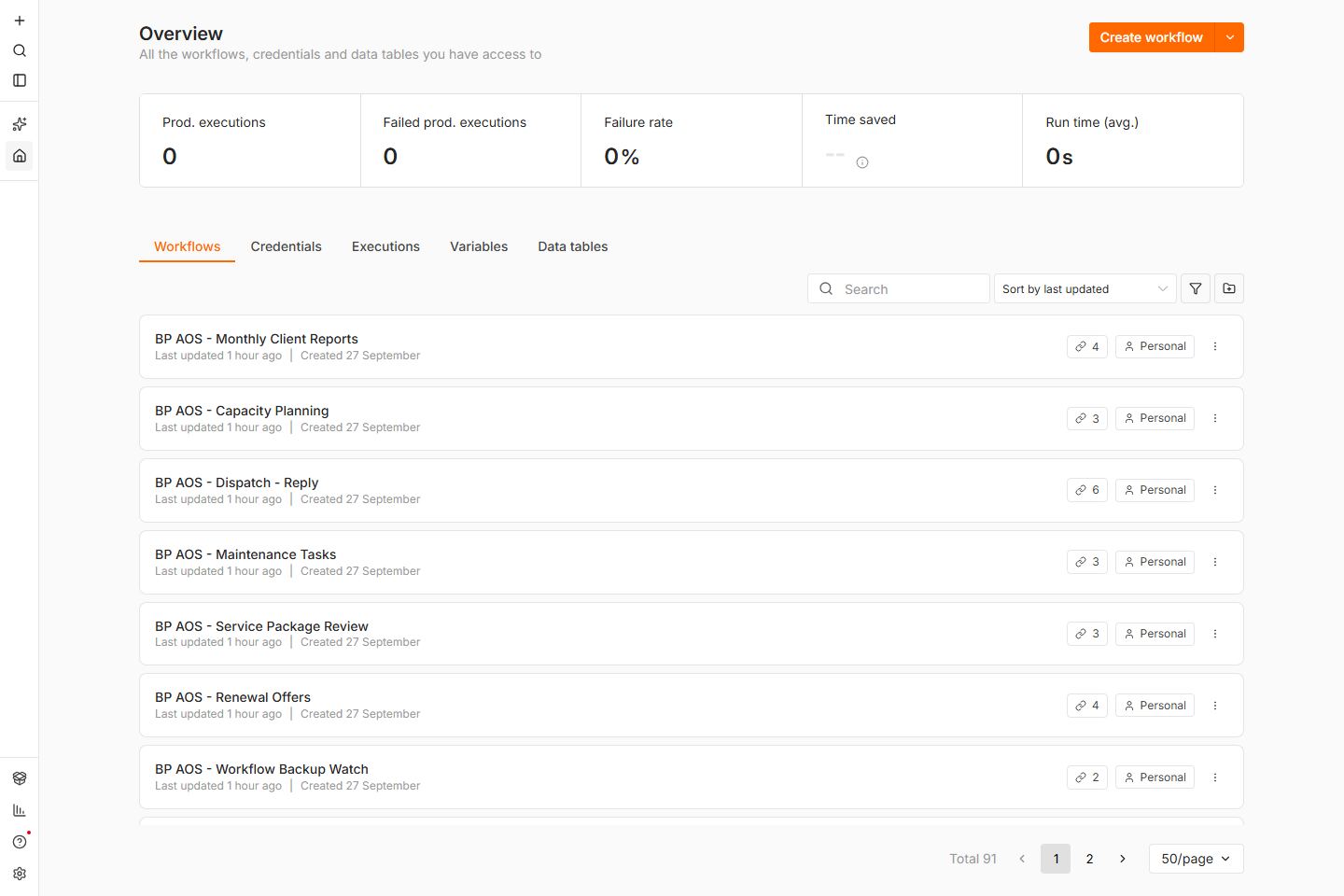
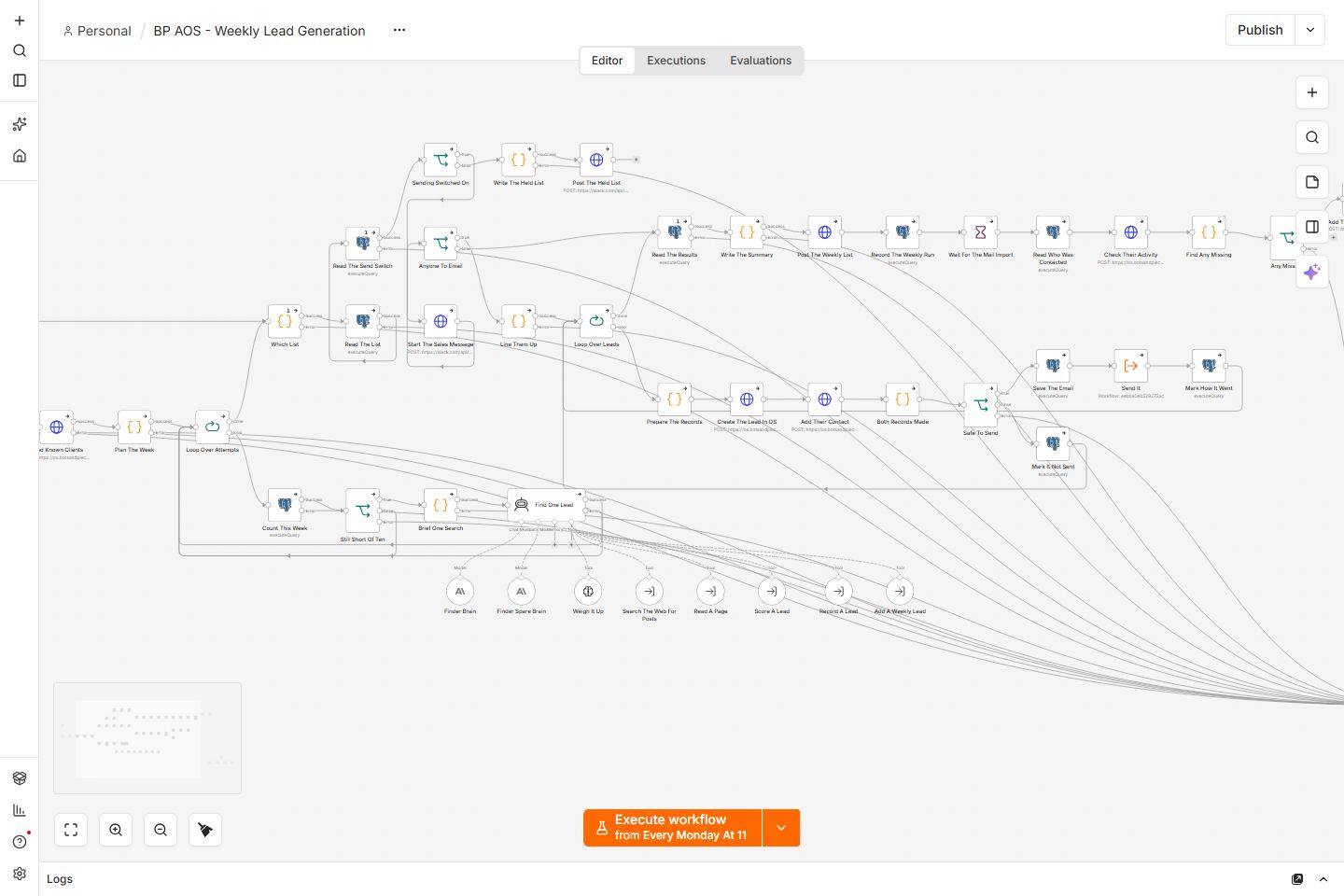
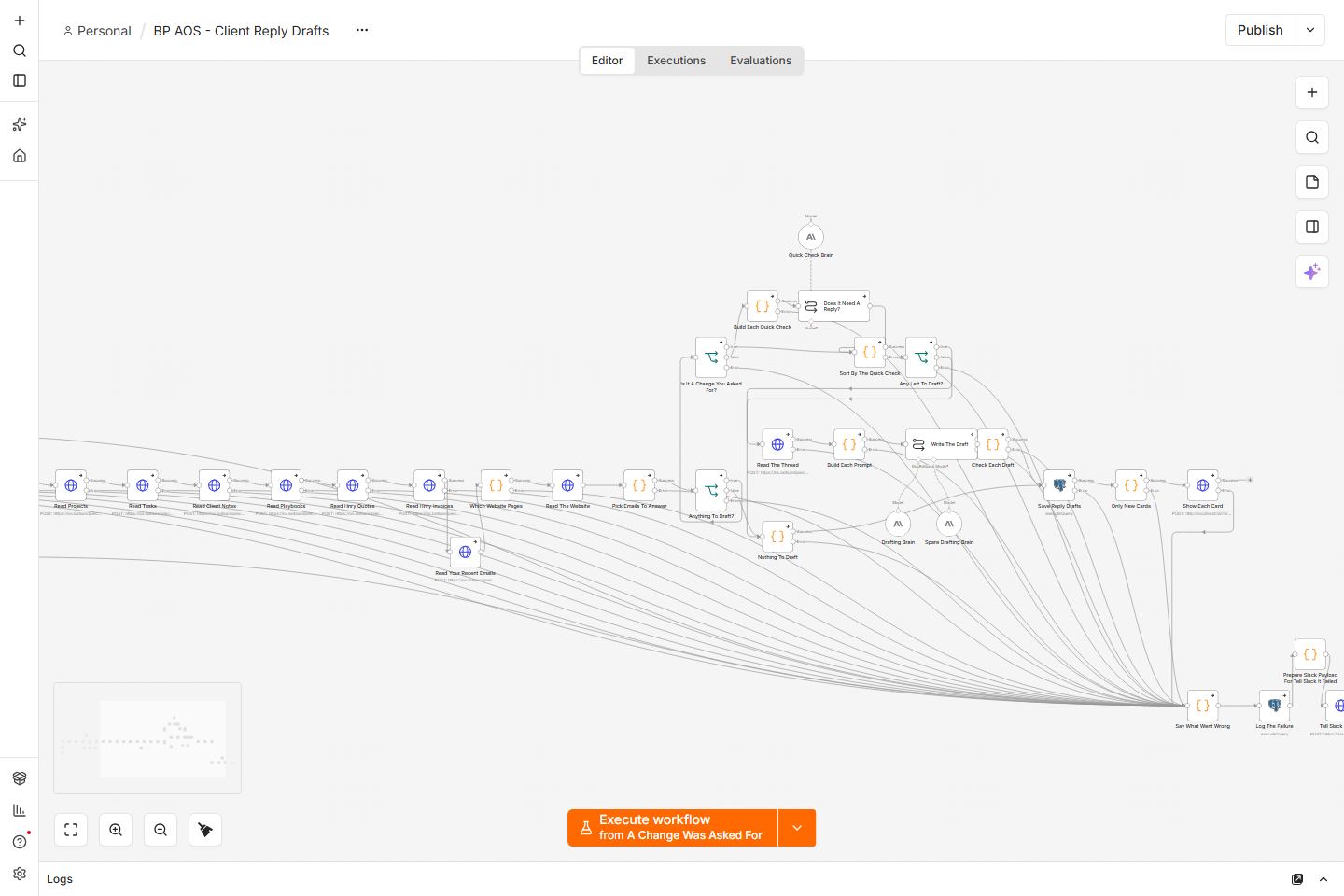
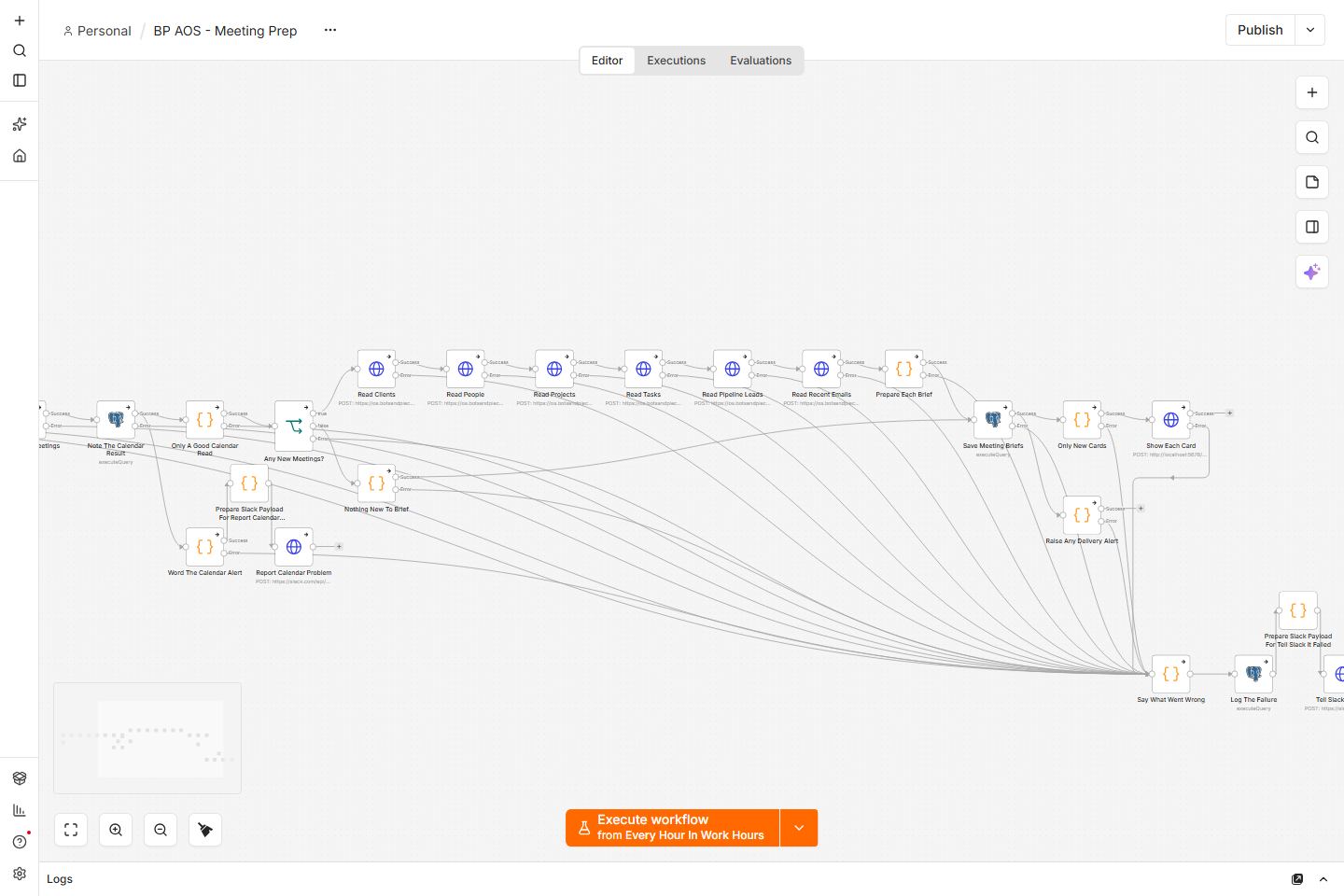
Everyday jobs
Inbox as mail arrives
- A new email arrives and the run starts straight away.
- If it needs no reply, it is filed.
- If it needs a reply, a draft is written for a person to check.
- Nothing is sent until that person says yes.
Sales emails and scans
- On weekdays, about 50 first emails go to people not contacted in the last 30 days.
- On Monday, quiet threads get a follow-up.
- Marketplace listings are scanned for work worth a bid.
- I get a note when something was sent or needs a look.
Ready for a meeting
- Each morning, one short brief is sent for each meeting that day.
- It uses what is already on file for that client.
- Later the same day, notes from the call are filed.
- If the filing fails, I get an email. If it works, it stays quiet.
Morning briefs
- Early on, a brief lists the tasks still to do and what to focus on.
- A money brief covers spend, renewals and anything that needs a look.
- An operations brief covers overnight mail, errors and work waiting on a person.
- A clean brief stays quiet. If there is news, I get an email.
Care and monthly reports
- A support email on a care plan becomes a task and a draft reply.
- The draft waits for a person to say yes before it is sent.
- On the first of the month, a care report is written and an email is drafted.
- That draft also waits for a yes.
Quiet unless I am needed
- Most runs send nothing when there is nothing to report.
- When something needs a decision, I get an email.
- A failure is written down, with what went wrong.
- I hear about it the same day, so nothing fails in silence.
Who can see what: Only the business owner. The automations run on the business's own private server. A reply, a care report or a public post waits for a person to approve it first. Routine sales emails go out on the schedule already set, and the owner gets a note when they do.
The technical detail
What I built
37 workflows on a workflow automation platform (n8n), as of October 2026, running on the business's own private server. They cover new mail, sales emails, meeting preparation, morning briefs, care, reports and publishing, and some of them use AI to read and write.
How it works
Each workflow starts on a timer, a new email or a request. It gathers what it needs from the business's own records, does its job, and saves the result. A reply, a report or a public post becomes a draft that waits for a person to say yes. Routine sales emails, such as a first hello or an agreed follow-up, go out on their own, and I get a note when they do. On top of the workflows sits Grokbot, an AI assistant that takes my message, picks the specialist whose role fits, passes the job on and brings the result back.
Where it got to
All 37 are live and running the business, as of October 2026. Every workflow catches its own failures, writes them down and sends a message when something needs me, so a problem shows up the same day rather than being missed. A clean run stays quiet.
Please note: these are the real workflows, copied onto a private computer with every login removed, so nothing in them can run and no client details appear.