A website that gets a local electrician the call
A new electrician needed people to find him, trust him and ring him. Now a clear, fast website does that on a phone, and a quote request lands straight in his inbox.
What was going wrong
True Blu Electrical is a new business run by one licensed electrician, Jake. He had a business name and a phone, but nowhere for people to check who he was before they called.
Why it mattered
Most people looking for an electrician are on a phone and want to know three things fast: can you do the job, do you come out to me, and how do I reach you. A business with no website loses those calls to one that has one.
What it changed
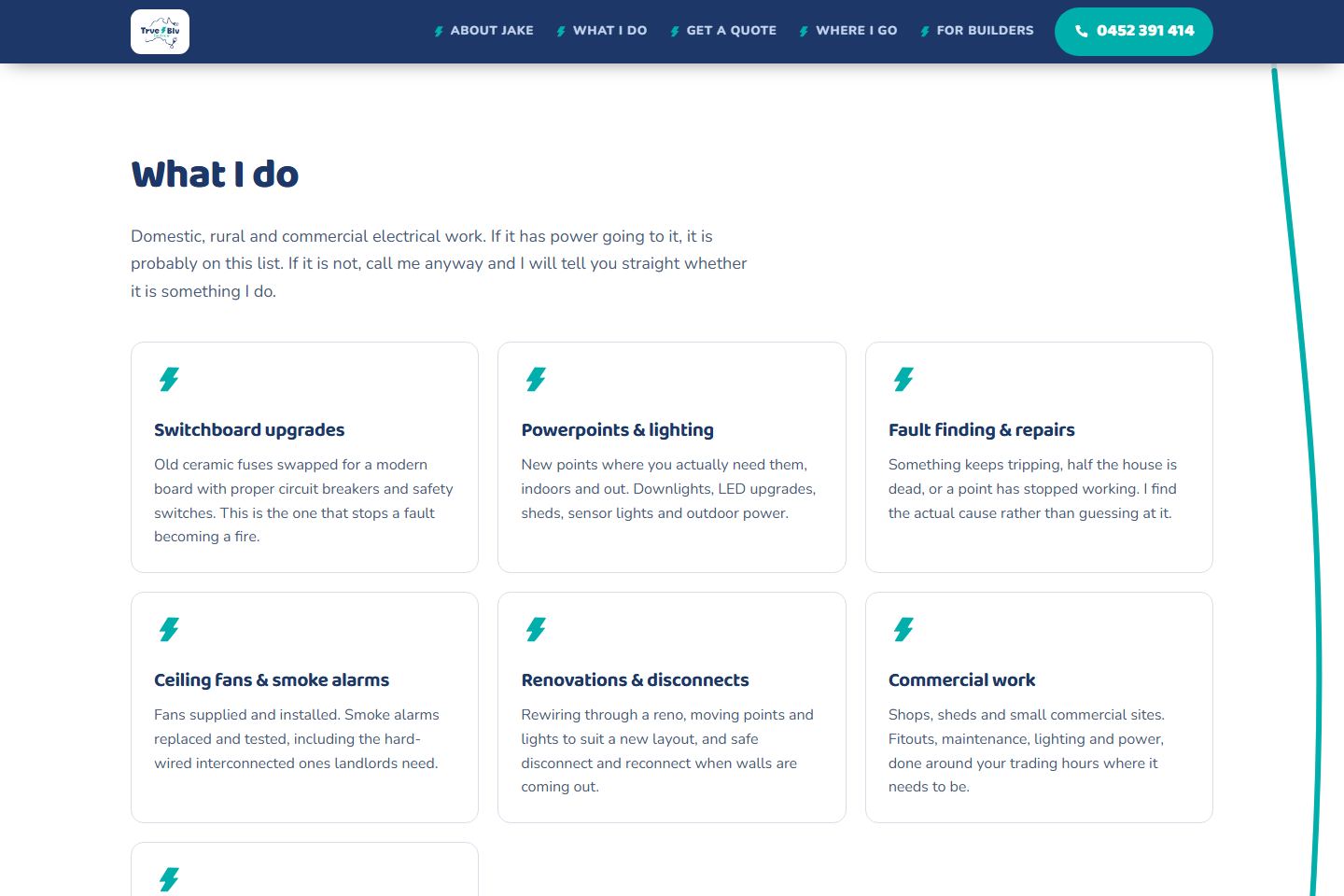
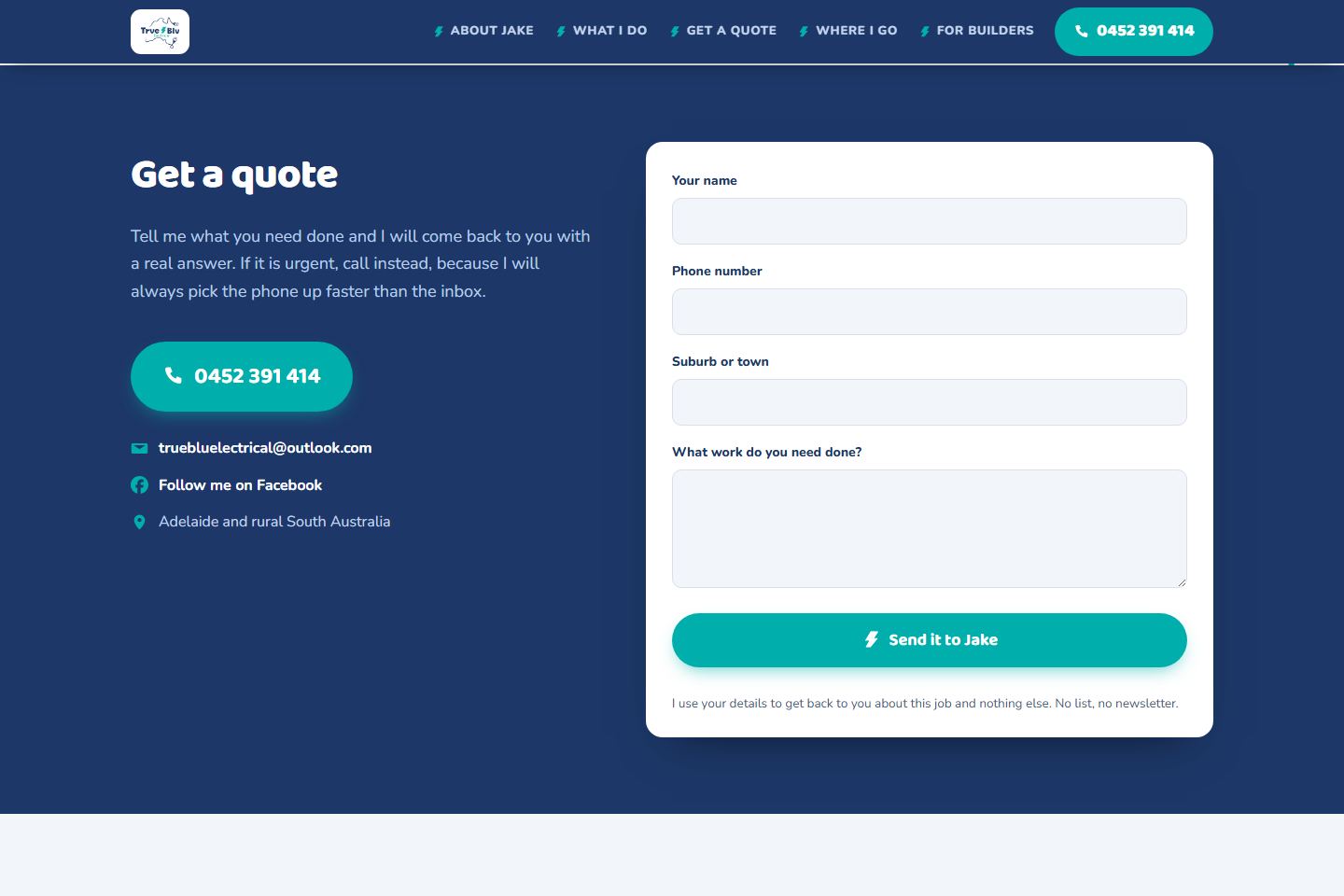
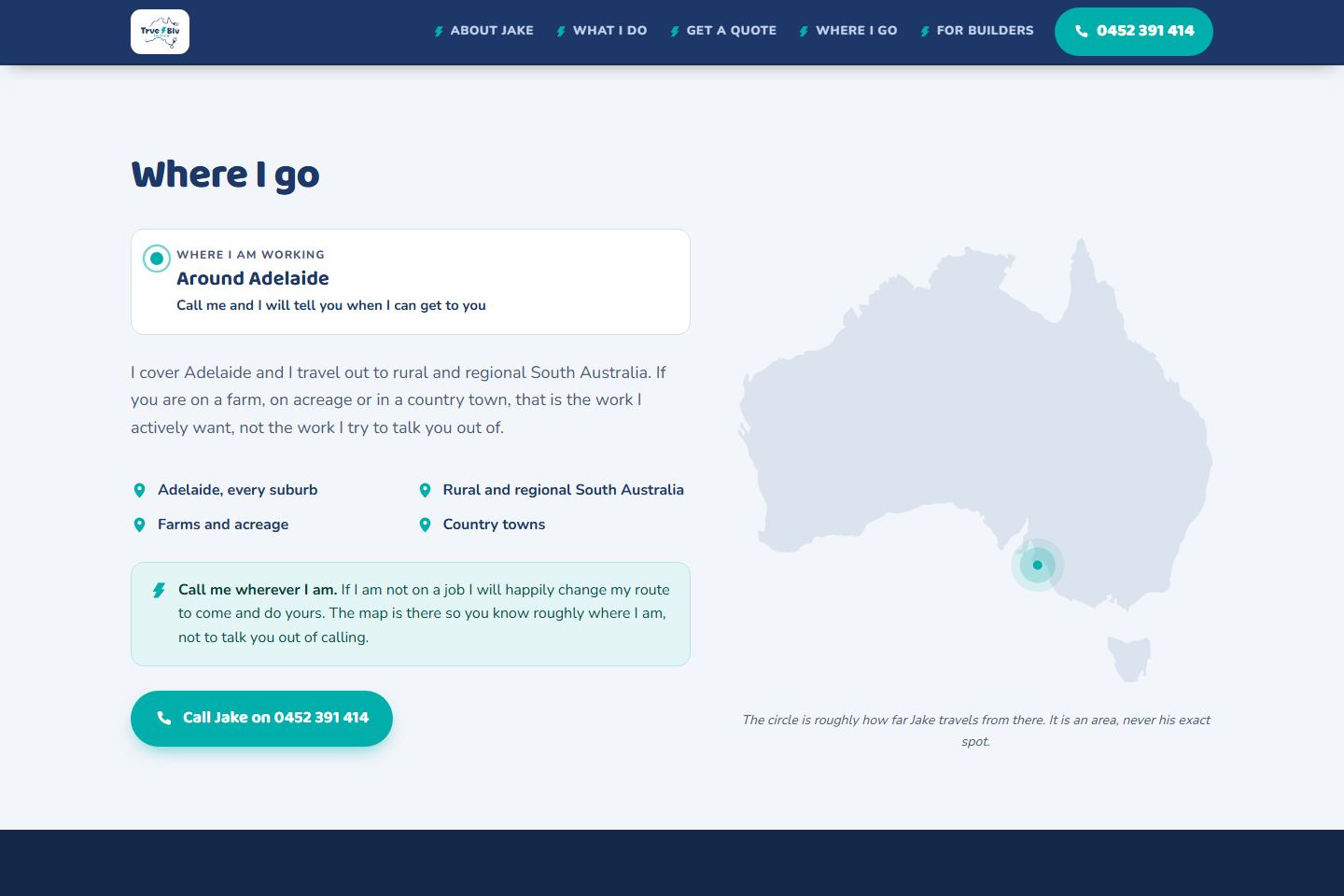
People can now see his services and the area he covers, and either call him in one tap or send a quote request that arrives as a proper email. A "save my number" card puts his details straight into a phone's contacts.
Who owns it
Jake does. The web address, the hosting and the email are all in his name, and there is no monthly form service to pay for.
Built with
How it works
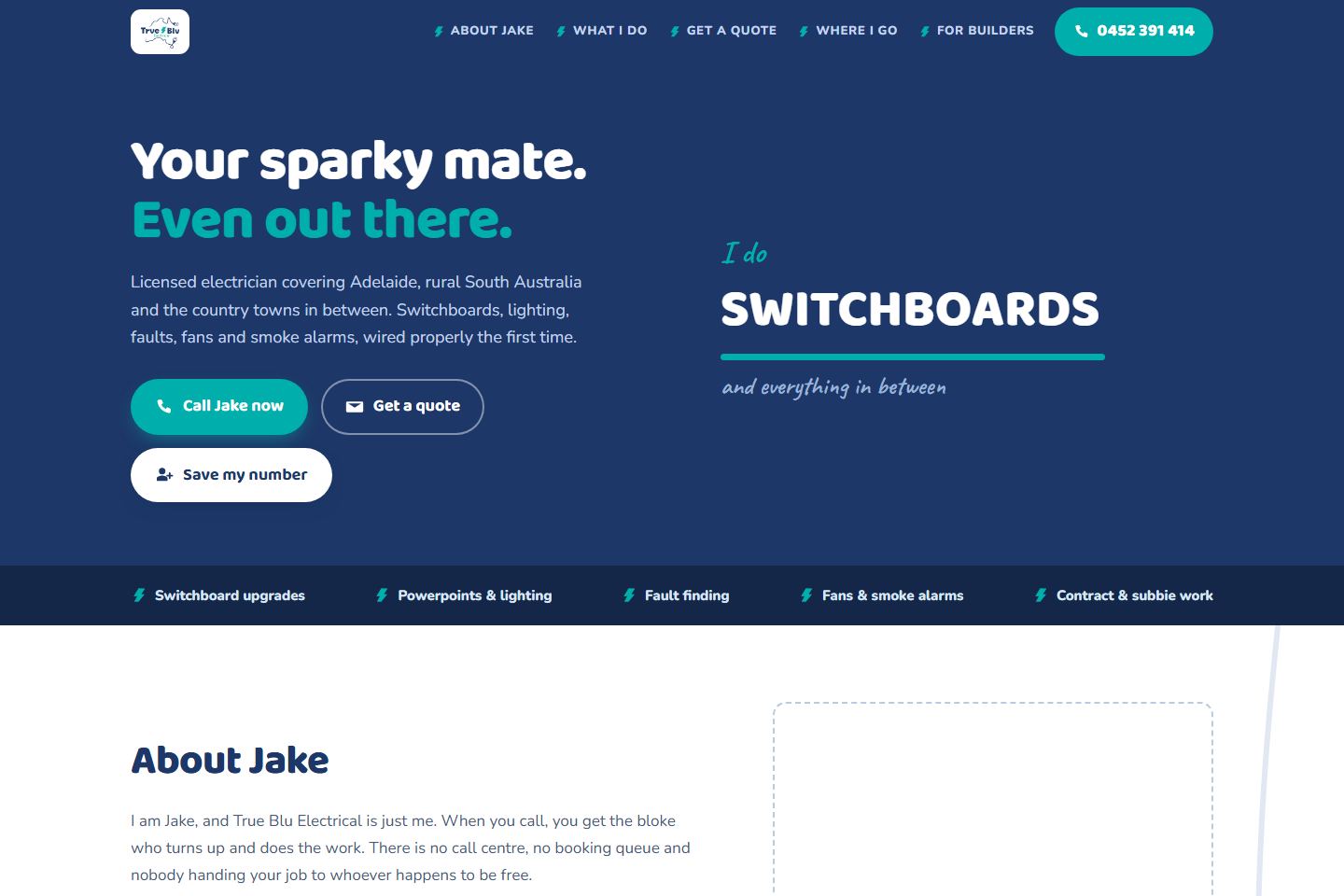
The website helps people who need an electrician check who he is, what he does and where he goes, all from their phone. Then it makes it easy to ring him or ask for a quote.
The main screens
What a visitor can do
Ring him straight away
- Open the website on your phone.
- Press the call button at the top of the Home screen.
- Your phone starts the call.
Ask for a quote
- Press Get a quote.
- Type your name and a phone number he can call you back on.
- Type your suburb or town, so he can work out the trip.
- Write a sentence about the work you need done.
- Press the send button. A message says "Got it" when it has gone through.
Check he comes out to you
- Press Where I go.
- Look at the circle on the map. It shows roughly how far he travels.
- If you are unsure, call him anyway.
Save his number for later
- Press Save my number.
- On a phone, press the button and his details go into your contacts.
- On a computer, point your phone camera at the square code (a QR code) instead.
Who can see what: Your quote details go only to the electrician, and he uses them to get back to you about that job and nothing else. There is no mailing list and no newsletter. The map shows a rough area, never his exact spot.
The technical detail
What I built
A fast, single-page website, written in plain words, that works on any phone. It has a services section, a map of the area he covers, a quote form, and a contact card a visitor can save with a QR code.
How it works
The site is hosted free in Jake's own account with Cloudflare (a company that hosts websites), under his own web address, so he owns it outright. The quote form sends a branded email to his inbox through that same account, with no monthly form service to pay for.
Where it got to
Live and in use since 19 September 2026. Everything, the web address, the hosting and the email, is in Jake's name.
Please note: shown with Jake's permission. These are the real, public pages of his live website.